

How-to guides
How to make a map animation video
A map animation video is built from three things: the places on the map (borders, routes, labels), a look, and a camera that moves with the story. Each guide takes one technique or one kind of video, shows a finished example and gives the steps in Maptake: the AI agent builds a first version from your description, then you change anything by hand on the timeline.
By technique
-
 Map animation with AI How Maptake’s AI agent makes a map animation from a description: what to write in the request, real requests with the videos they became, the steps the agent takes, what to check, and how to change the result by hand.
-
 Route animation How to animate a route on a map with the AI agent, then by hand: a line that draws itself, a moving ship, car or plane, real roads or GPX, KML and TCX tracks, the camera that follows, and export as MP4.
-
 Highlight a country How to highlight a country, region or city on a map with the AI agent, then by hand: boundaries from built-in data, fill and outline, animating the shape in, moving a country at its true size, and your own GeoJSON.
-
 Globe animation How to make a globe animation with the AI agent, then by hand: three globe shots (spin, zoom from space, pull back), camera craft, the steps on the timeline, and other tools that can do it.
-
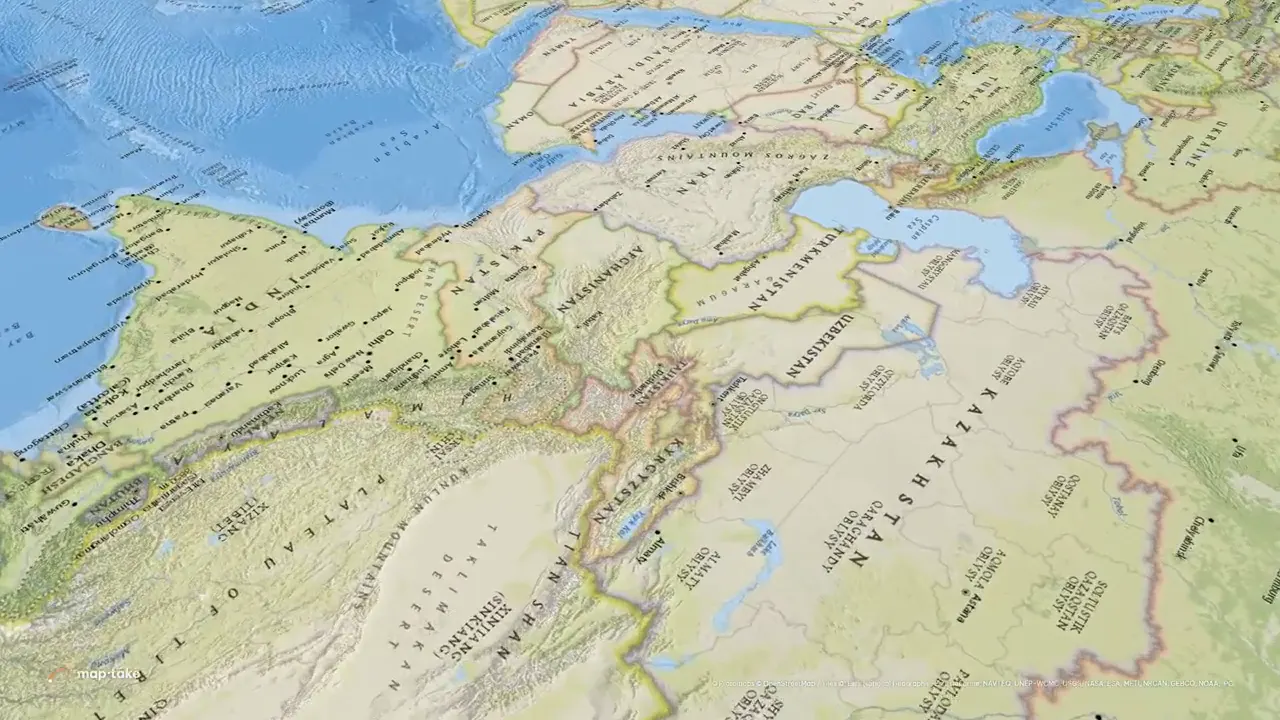 Animate Google Earth How to animate Google Earth with Google’s own tools (Earth Studio, Google Earth Pro), what those tools do not do, and how to make the same zoom or route in a map editor with labels, routes and an MP4 export.
By kind of video
-
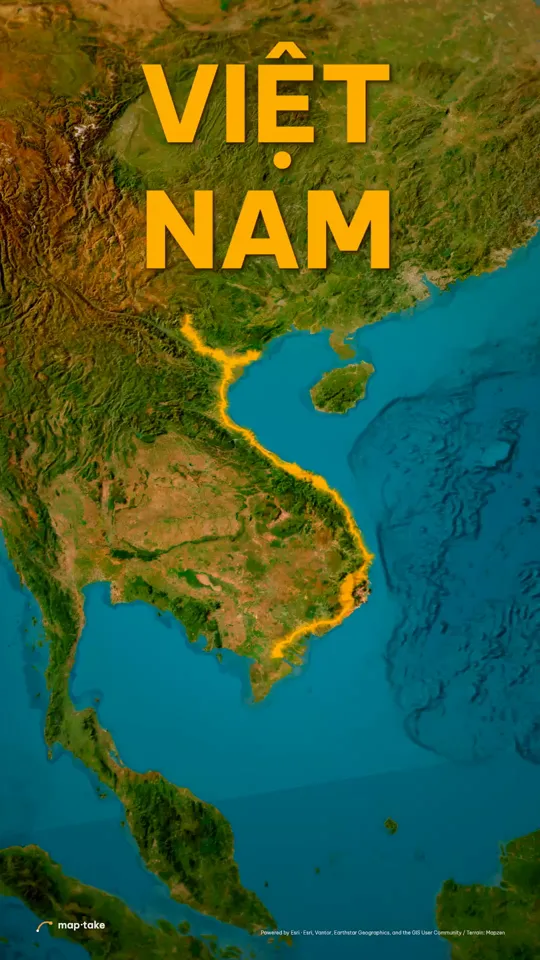 Travel map animation How to make a travel map animation with the AI agent: describe the trip, the agent plans it and builds the route, look and camera shots, then you fine-tune stops, GPX, KML or TCX routes, roads or flight arcs and export an MP4.
-
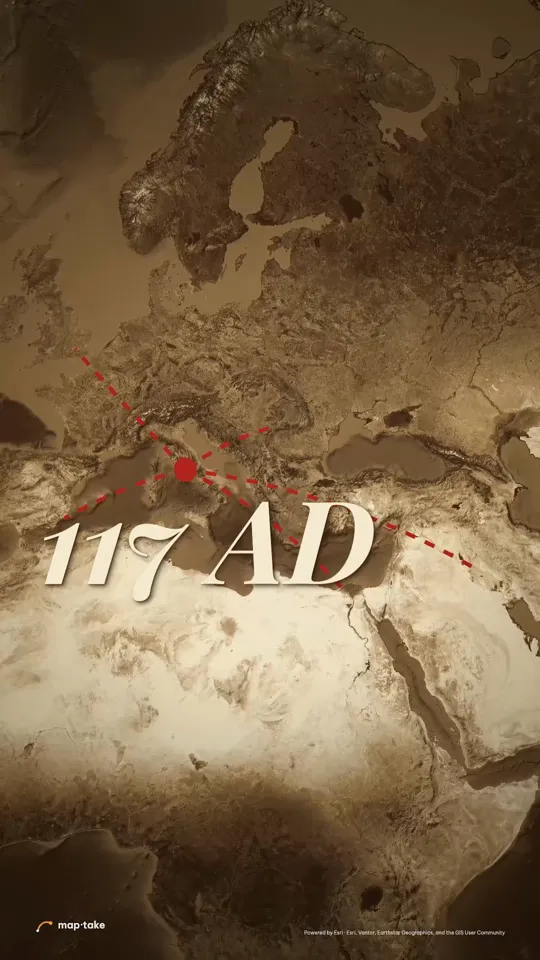 War map animation How to make a war or history map with the AI agent and check it by hand: territory, front lines as keyframed cut shapes, attack arrows, units on routes, dates, camera pacing, and how to show sources.
Make your own
See also: Map video examples · Alternatives to other map animation tools
Google Earth and Google Earth Studio are trademarks of Google LLC. Maptake is not affiliated with or endorsed by Google.